
Social Media Share Card for Your Dividend Portfolio
The dividend portfolio share card turns your Dividend Wealth numbers into a clean image you can post in a few clicks. Share dividend income progress, goal check-ins and performance on X, Threads, LinkedIn, Facebook and Instagram, with or without dollar amounts.
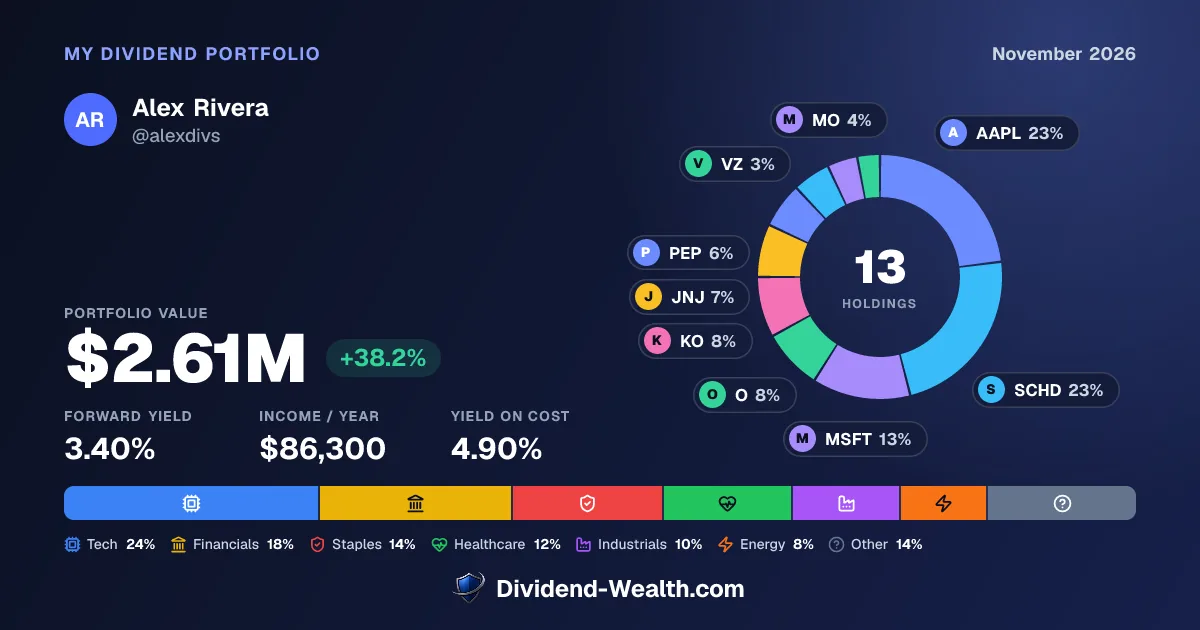
What the dividend portfolio share card makes
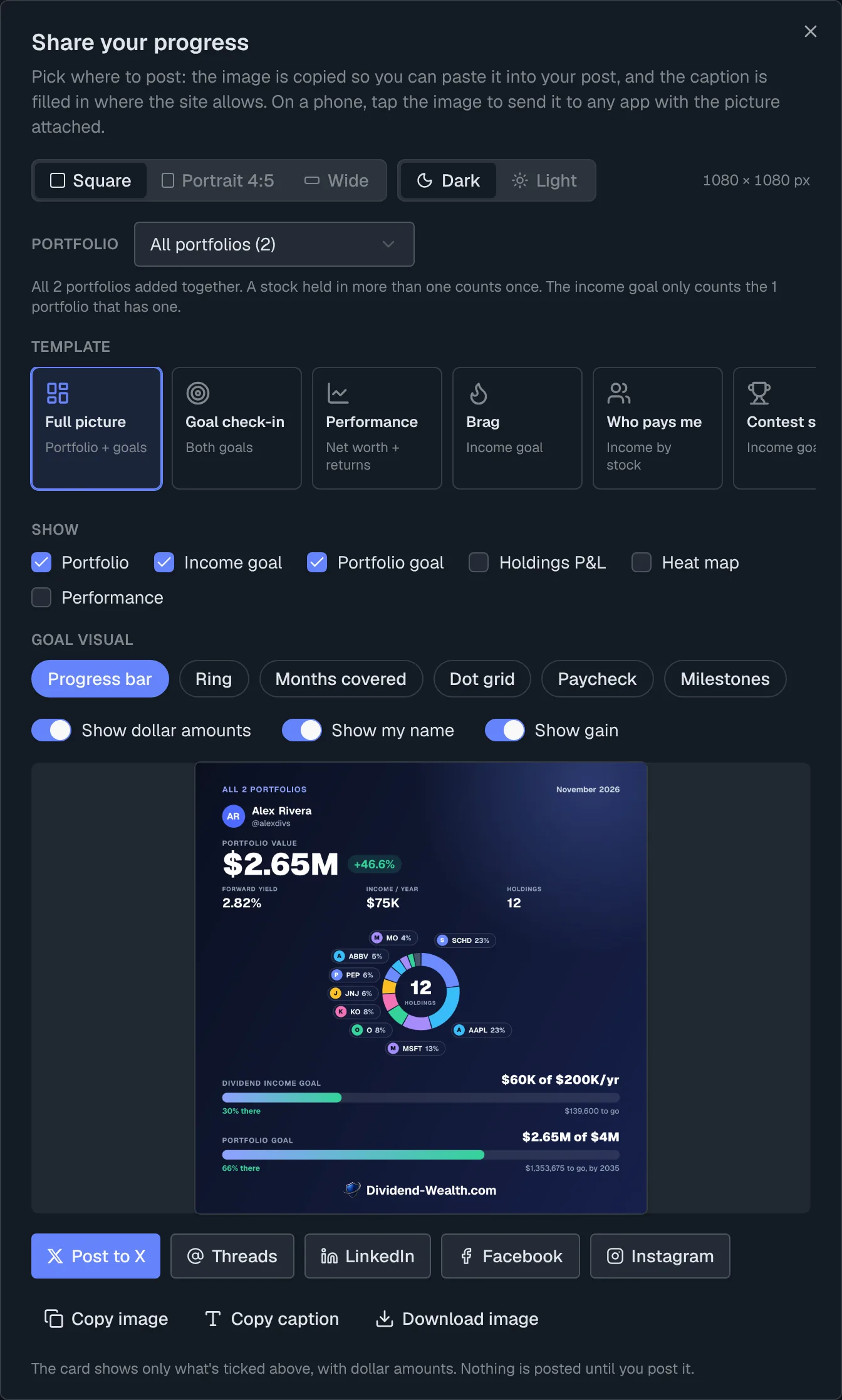
Each card is a finished image sized for social feeds, with your name, the month and the Dividend Wealth mark. The numbers come straight from your portfolios and dividend tracker, so there is nothing to type or screenshot. Pick a template for what you want to show.
Full picture
Portfolio value, yield, income, a holdings donut and progress toward both goals.
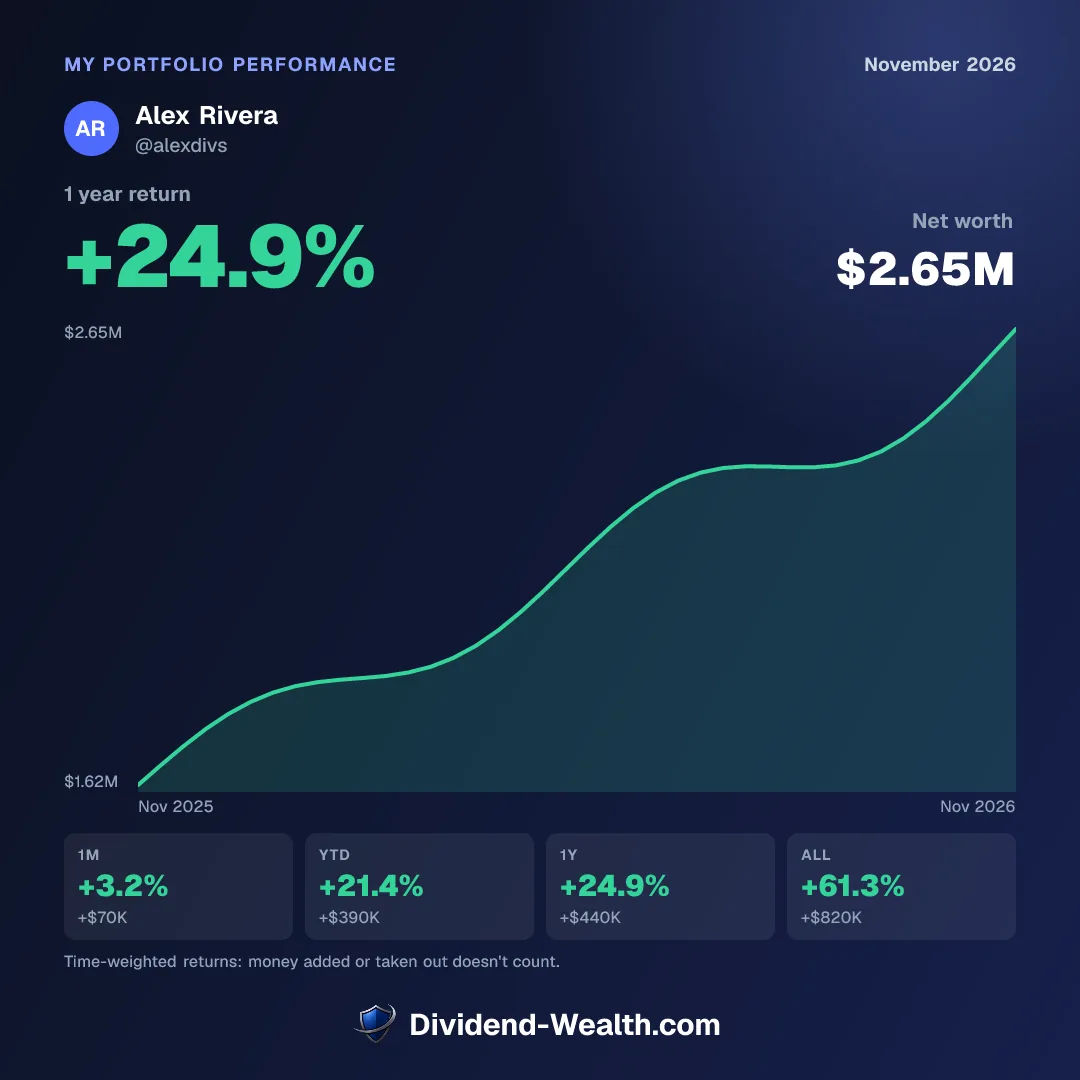
Performance
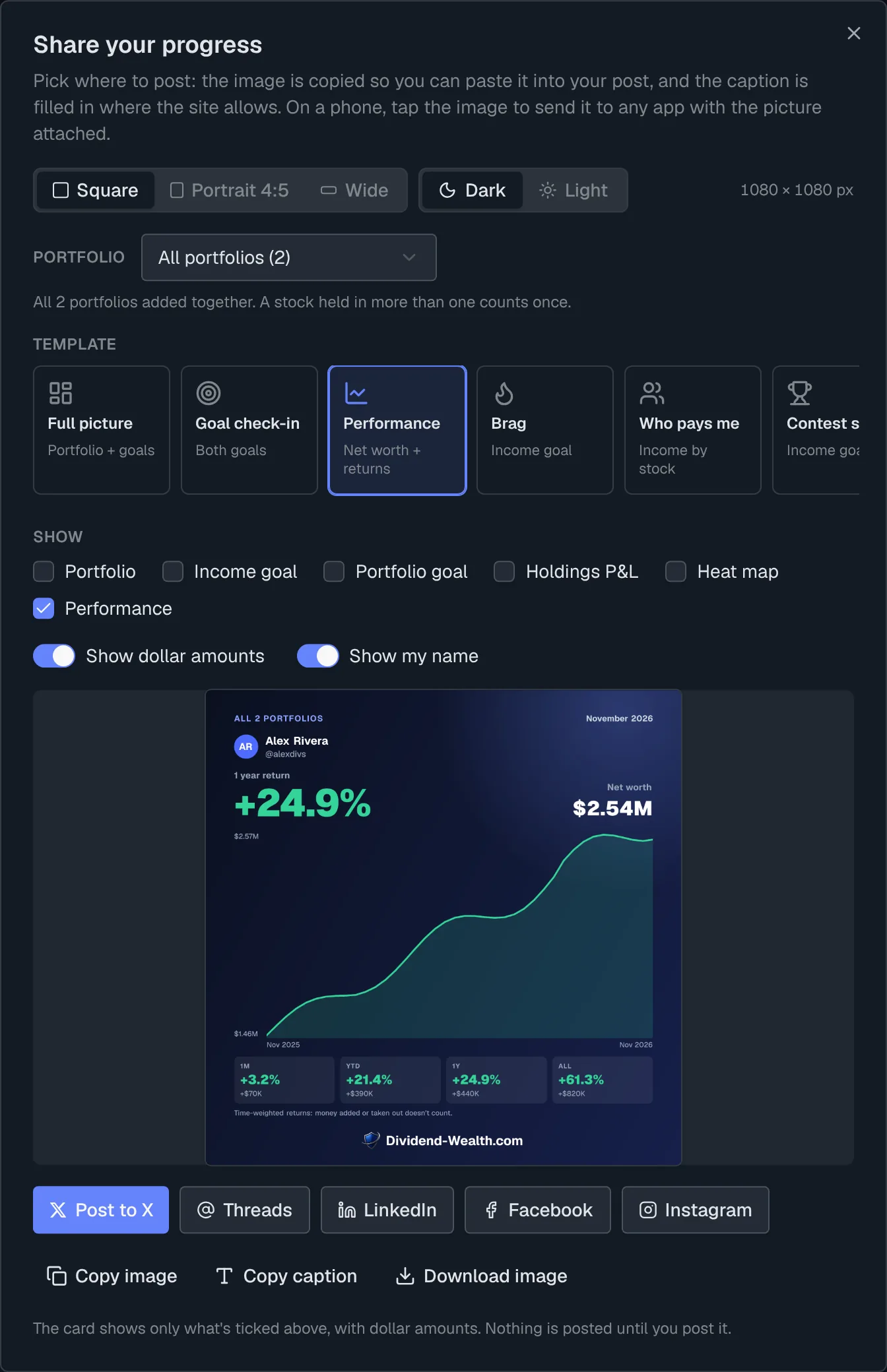
A net worth line over time with time-weighted returns for 1 month, year to date, 1 year and all time.
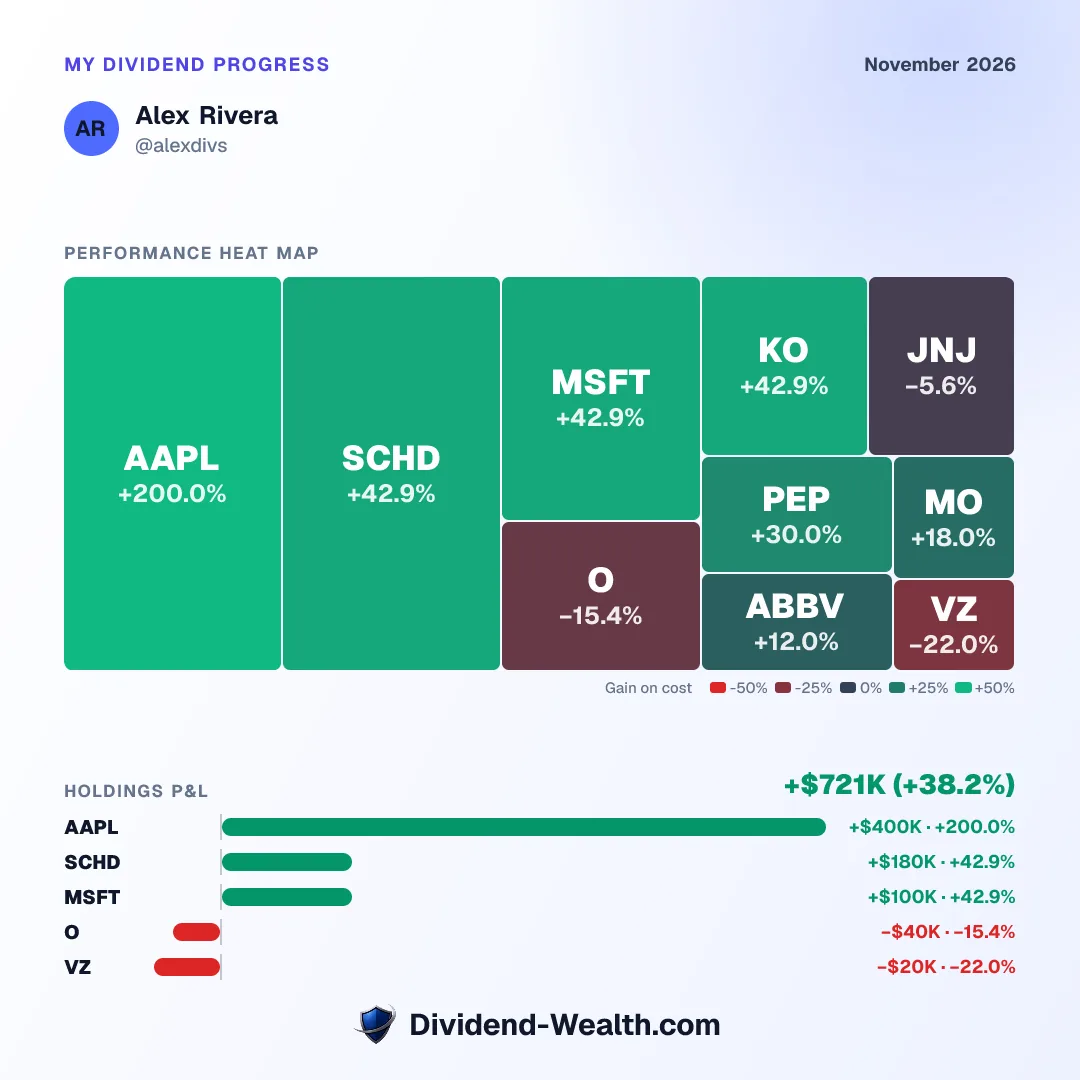
Heat map and holdings P&L
Each holding sized by weight and colored by gain, plus the biggest gains and losses. Shown here in Light.
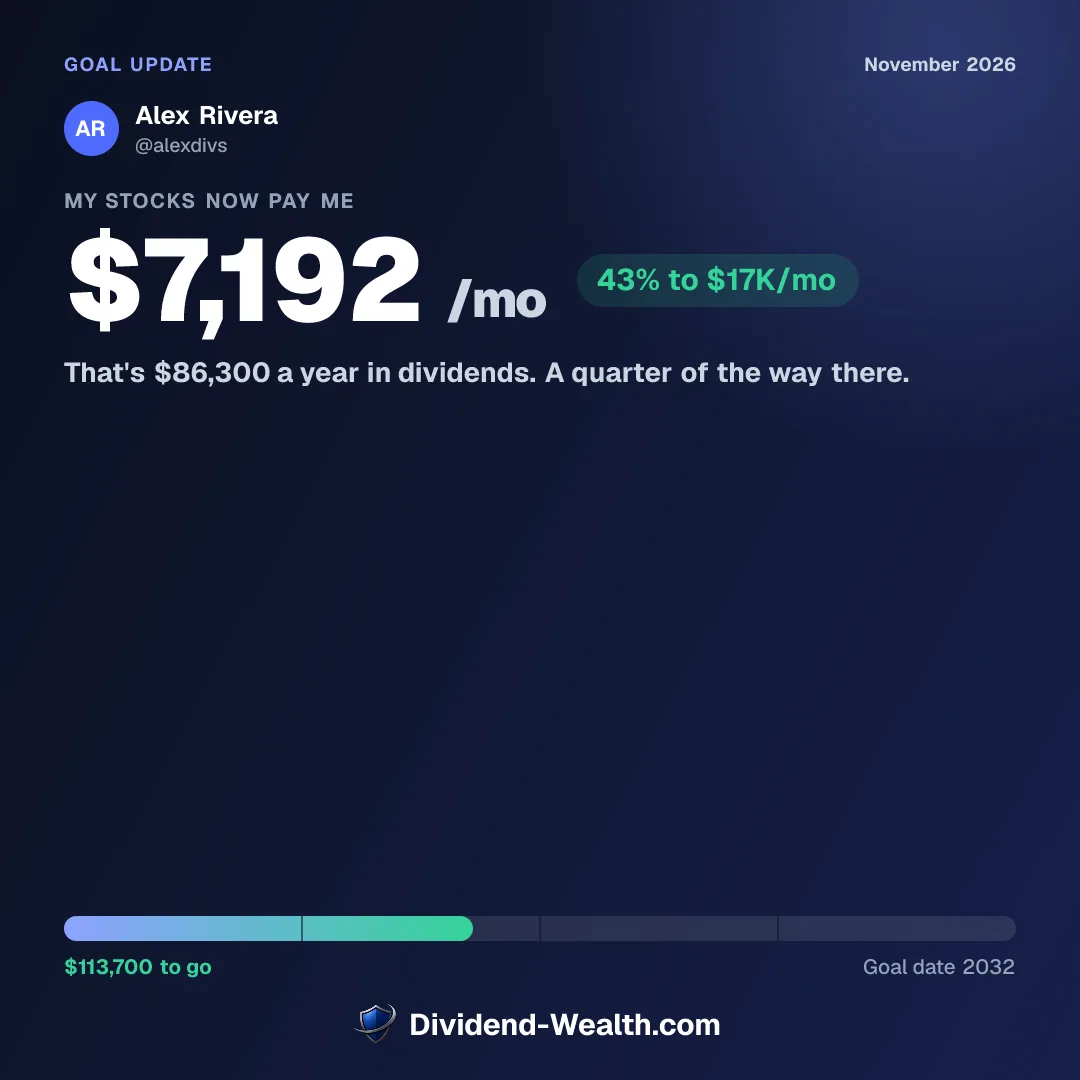
Brag
One big number: what your stocks pay you each month, and how far that is toward your goal.
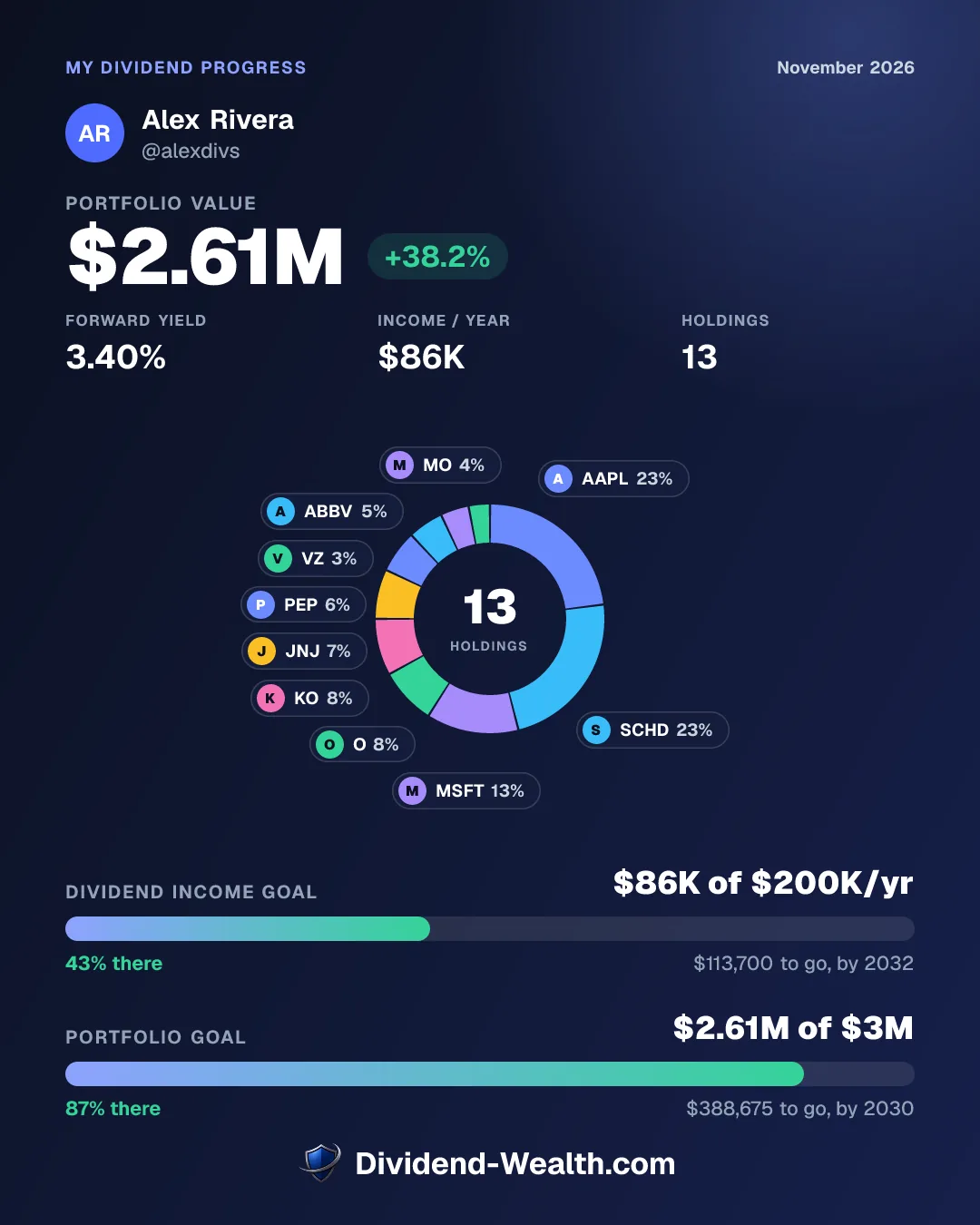
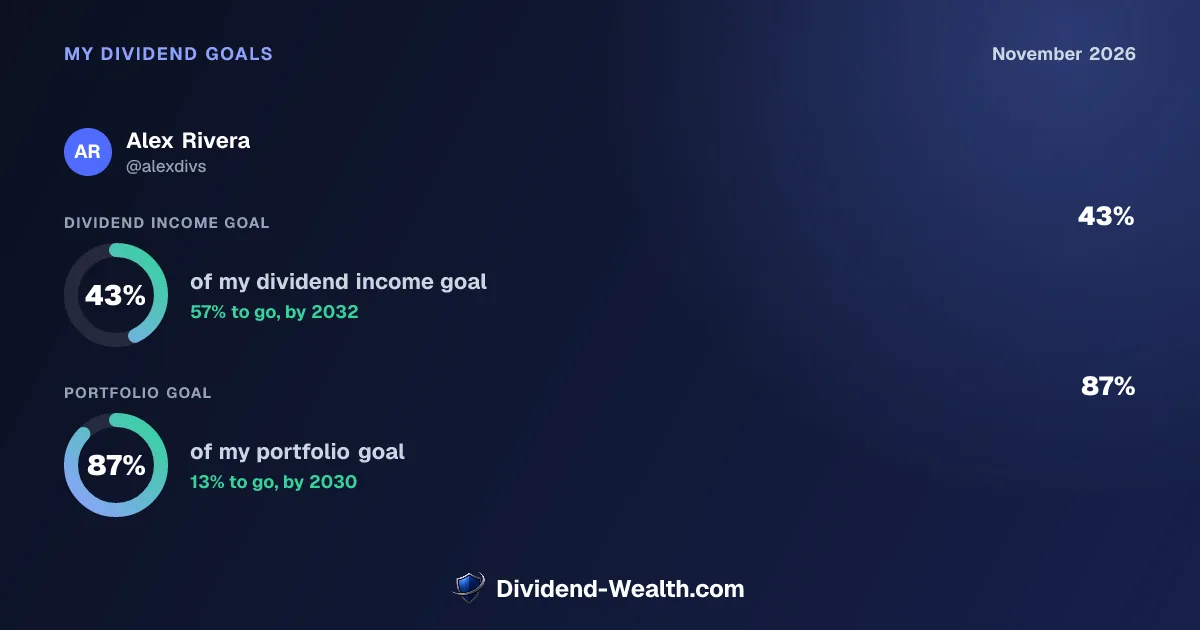
Goal check-in
Progress rings or bars for your income goal and portfolio goal. Works with percentages only.
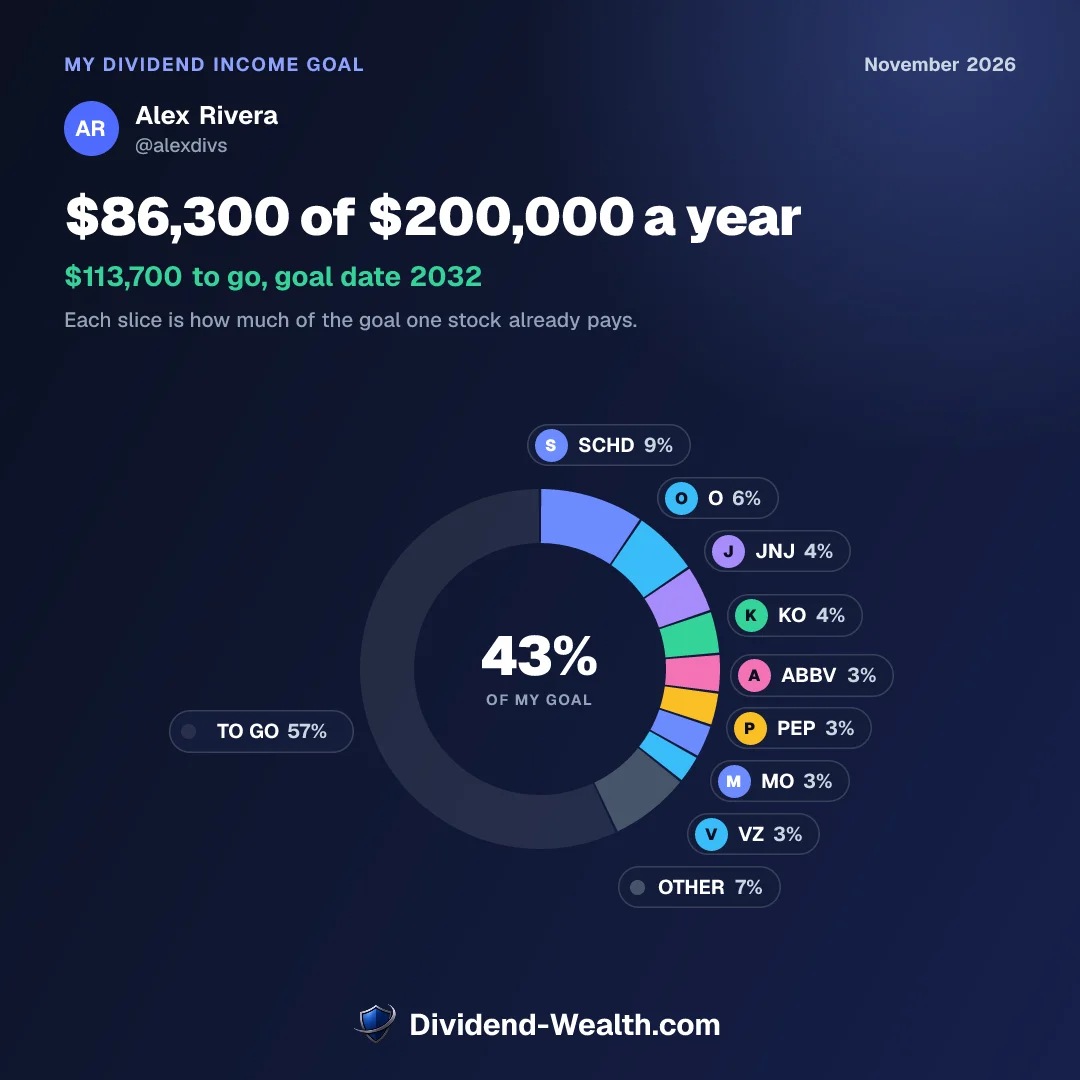
Who pays me
Your income goal as a donut, with a slice for each stock or fund that pays you and what's left to go.
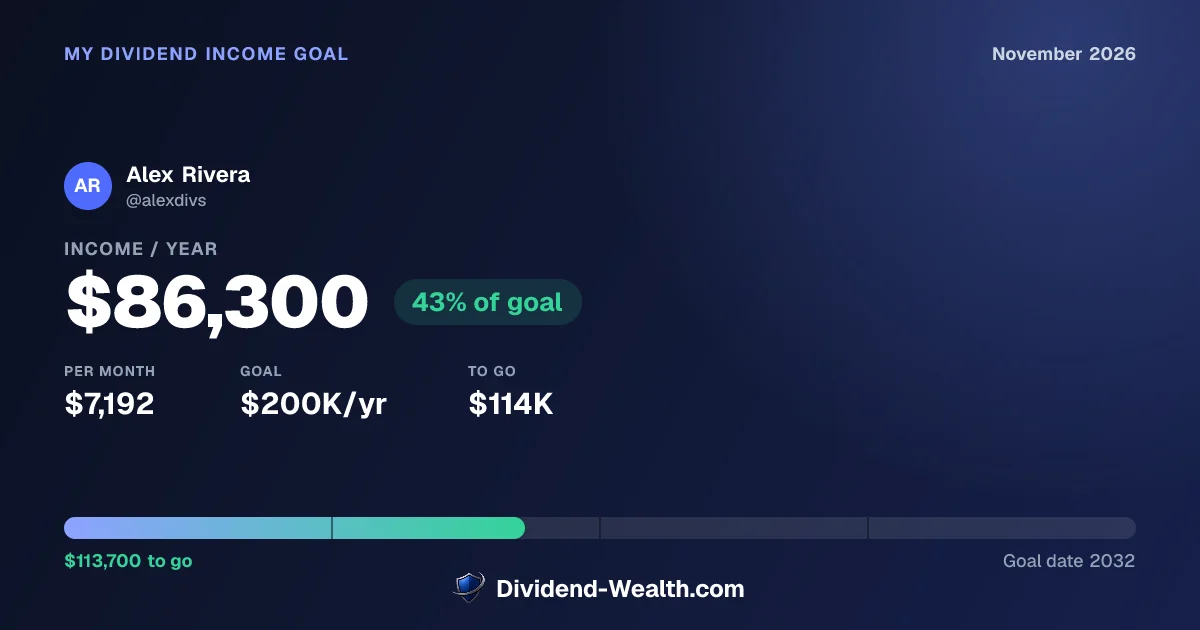
Contest
Your yearly income in large type with your goal, per month and what's left, in the style of the portfolio contest cards.
How to share your dividend income progress
1. Click Share on Home or Portfolios
Open Home or Portfolios. The Share button sits in the top bar next to Buy or sell.

2. Pick the portfolio
With more than one portfolio, choose All portfolios or a single one. The line under the picker says exactly what the card covers, for example which portfolios have an income goal.
3. Pick a template
Templates sit in one row of small cards, and the one you pick is highlighted. Choose what the card is about: the full picture, your goals, performance, one big number, who pays you, or your contest entry.
4. Choose the size, theme and what to show
Pick Square, Portrait 4:5 or Wide, then Dark or Light. Tick the sections you want, pick a goal visual, and turn dollar amounts, your name and your gain on or off. The preview updates as you go.
5. Post it or save it
Click X, Threads, LinkedIn, Facebook or Instagram. The image is copied so you can paste it into your post, and the caption is filled in where the site allows. On a phone, tap the image to send it to any app. You can also copy the image, copy the caption or download the PNG. Nothing is posted until you post it.
Templates, sizes and themes
- Square (1080 by 1080) suits Instagram and most feeds. Portrait 4:5 (1080 by 1350) takes up more of a phone screen. Wide (1200 by 630) fits X, LinkedIn and Facebook link previews.
- Dark and Light themes sit to the right of the sizes. Every template works in both.
- Goal visuals change how goal progress is drawn: progress bar, ring, months covered, dot grid, paycheck or milestones.
- Amounts use the display currency from your settings, the same as your dashboard.
- With several portfolios, All portfolios adds them together and a stock held in more than one counts once. A goal only counts the portfolios that have that goal.
Hiding dollar amounts and your name
Share the progress, keep the balance private
Turn off Show dollar amounts and the card shows percentages only: goal progress, returns and holding weights. The amounts are left out of the image and the share link, not blurred. Turn off Show username to post without your name, and Show gain to leave your total gain off.
Made for dividend creators and social media personas
Dividend investors who post their journey build an audience by showing up with the same kind of update, month after month. The share card gives that update one consistent look, so followers recognize it in their feed and can see the progress at a glance.
- Faster than a screenshot. No cropping, no blurring account numbers, no cluttered app screens. The card is ready to post in a few clicks.
- Right size for every network. One click switches between square, portrait and wide, and the caption is filled in for you.
- Private when you want it. Percent-only cards let you share the journey without sharing your balance.
Ideas for what to post
- A monthly dividend income update on the first of the month, with the Brag or Full picture template.
- A goal check-in each quarter, so followers can watch the bar fill up over time.
- A year in review with the Performance template and its 1 year and year to date returns.
- A heat map when the market moves, to show what held up and what didn't.
- Contest updates while you compete, using the Contest template.
Cards show your own numbers. They aren't investment advice, and past results don't predict future ones.
Questions about the share card
What is the Dividend Wealth share card?
The share card is an image of your dividend portfolio progress that Dividend Wealth makes for you to post on social media. It can show your portfolio value, dividend income, income and portfolio goals, performance over time, a heat map of your holdings and your holdings profit and loss.
How is the share card good for social media content?
If you post about your dividend portfolio, the share card gives you ready-made content every month. It turns your holdings, income, goals and returns into a branded image sized for X, Threads, LinkedIn, Facebook and Instagram, with a caption filled in. You don't need screenshots or design tools, the look stays the same from post to post so followers recognize your updates, and percent-only cards let you show your holdings and progress without your balance. That makes Dividend Wealth a simple portfolio tracker for creators who want to show and promote their holdings.
Can I share my dividend progress without showing dollar amounts?
Yes. Turn off Show dollar amounts and the card shows percentages only: progress toward each goal, returns and weights. The amounts are left out of the image and out of the share link, not just hidden.
Does the share card work with more than one portfolio?
Yes. Pick All portfolios to add them together, or pick one portfolio. A stock held in more than one portfolio counts once, and a goal only counts the portfolios that have that goal set.
Which social networks can I post the card to?
The window has buttons for X, Threads, LinkedIn, Facebook and Instagram. You can also copy the image or download it as a PNG and post it anywhere, including Reddit, Discord or a newsletter.
Does the card use my display currency?
Yes. Amounts on the card are shown in the currency you picked in your settings, the same as the rest of your dashboard.
Related guides
Questions? Email customerservice@dividend-wealth.com or return to Help