Brokerage Linking Is Live
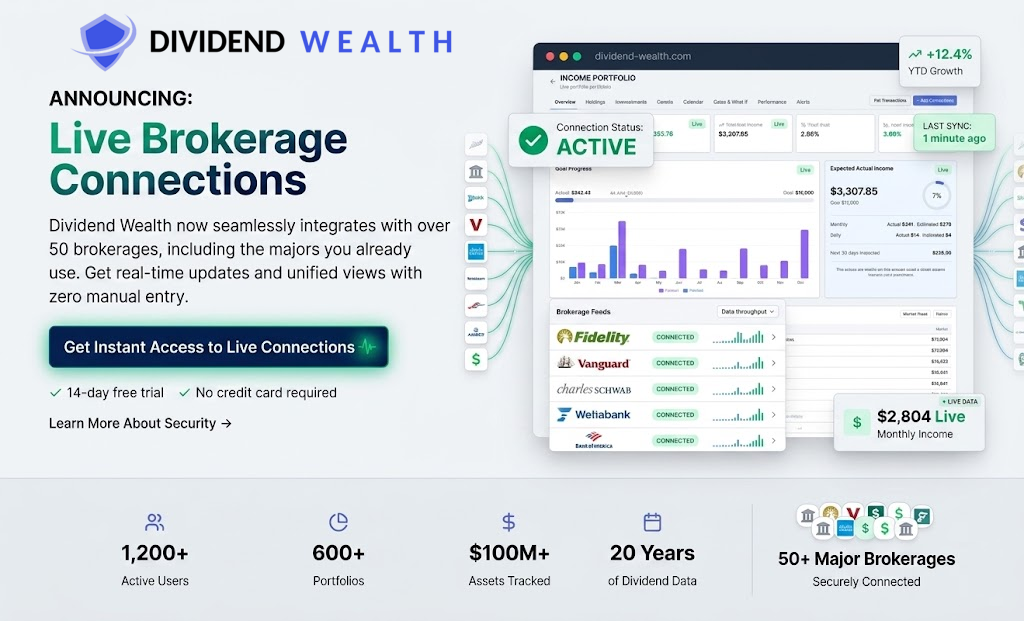
Connect your brokerage and automatically import your portfolio — holdings, transactions, dividends, and performance. No manual data entry.
Ready to link?
Head to the Portfolio Wizard and choose Portfolio Link to get started.
How to Link Your Brokerage
- 1
Open the Portfolio Wizard
From your dashboard, click "Create Portfolio" (or "New Portfolio") to start the wizard.
- 2
Choose "Portfolio Link"
Select the Portfolio Link intake method — this connects your account through Plaid.
- 3
Sign in through Plaid
Pick your brokerage and authenticate in the secure Plaid window. Your login credentials are never shared with Dividend Wealth.
- 4
Review your import
Holdings, transactions, and dividends import automatically. Use Refresh anytime to sync the latest data from your broker.
What You Get
Auto-import holdings
Positions, cost basis, and market values pulled directly from your brokerage.
Real dividend tracking
Actual dividend payments tracked automatically — no manual entry.
Performance history
Historical NAV backfilled up to two years so you can see how you actually performed.
Diversification views
Breakdowns by asset type, sector, industry, and individual holdings.
Plan Limits for Brokerage Linking
Free
Linked accounts: Not available
Portfolios: 1 manual portfolio
Upgrade to Standard or above to link a brokerage.
Standard / Trial / Legacy monthly or yearly
Linked accounts: 1 linked brokerage portfolio
Portfolios: 1 linked + manual portfolios per plan limits
Existing beta users with multiple links keep syncing; new links above the cap are blocked.
Premium / Lifetime / Legacy Lifetime
Linked accounts: Unlimited linked portfolios
Portfolios: Unlimited portfolios
Best for tracking multiple accounts or households.
Supported Brokerages
Most major US brokerages are supported including Charles Schwab, Vanguard, Merrill Lynch, TD Ameritrade, Robinhood, E*TRADE, Interactive Brokers, and many more. Powered by Plaid.
Fidelity note: Fidelity is supported through Plaid but may show "Connectivity not supported" until Plaid enables it for our production app. If you see that message, use manual portfolio entry for now or try again later.
TreasuryDirect: Not supported — hold treasuries at a supported brokerage or enter positions manually.
Security
Your bank credentials are never shared with us. All authentication is handled by Plaid, a trusted financial technology provider used by thousands of apps.
Access tokens are encrypted at rest. You can disconnect your brokerage at any time from your portfolio settings.
Start Linking Today
Paid subscribers can connect a brokerage in minutes. Open the Portfolio Wizard and choose Portfolio Link.